ABOUT NAVIGATING THE PHOTOS AND DESCRIPTION TEXT
In each of the photo boxes in the journal is a button labeled 'Display Photo Text'.
Click the 'Display Photo Text' button to display the descriptive text
for the photo. There can also be other links within the text.
At the end of the text is a button to 'Close Text'.
Clicking on; tapping on; any photo will open an enlarged version of that
photo in a new tab or window depending upon how your browser is configured.
Video/Photo/Assembly Journal
Skip's Messy Workbench ⇔ All rights reserved ⇔ Copyright © 2023-2026
Skip's Messy Workbench
⇔ Last updated: August 05, 2026

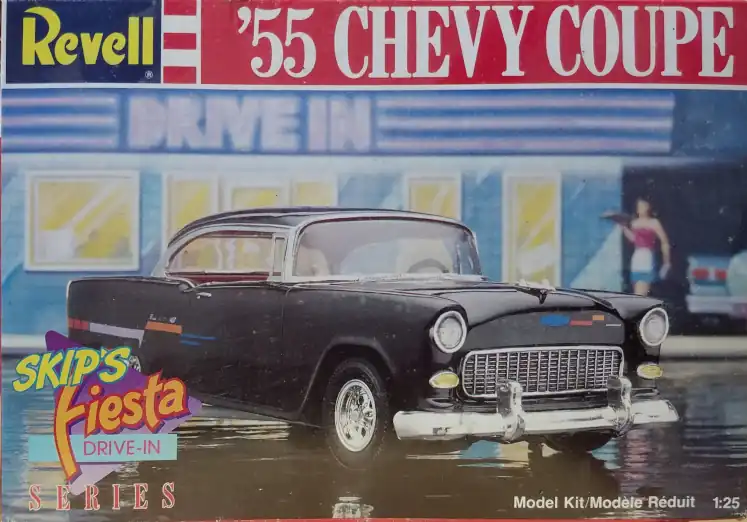


 1955 Chevy Skip's Fiesta Box Art


